
Free and offline
Reads and translates on your phone. Nothing goes online after setup.
Live English over the text in your games. Made for Valorant Mobile CN.
Before and after
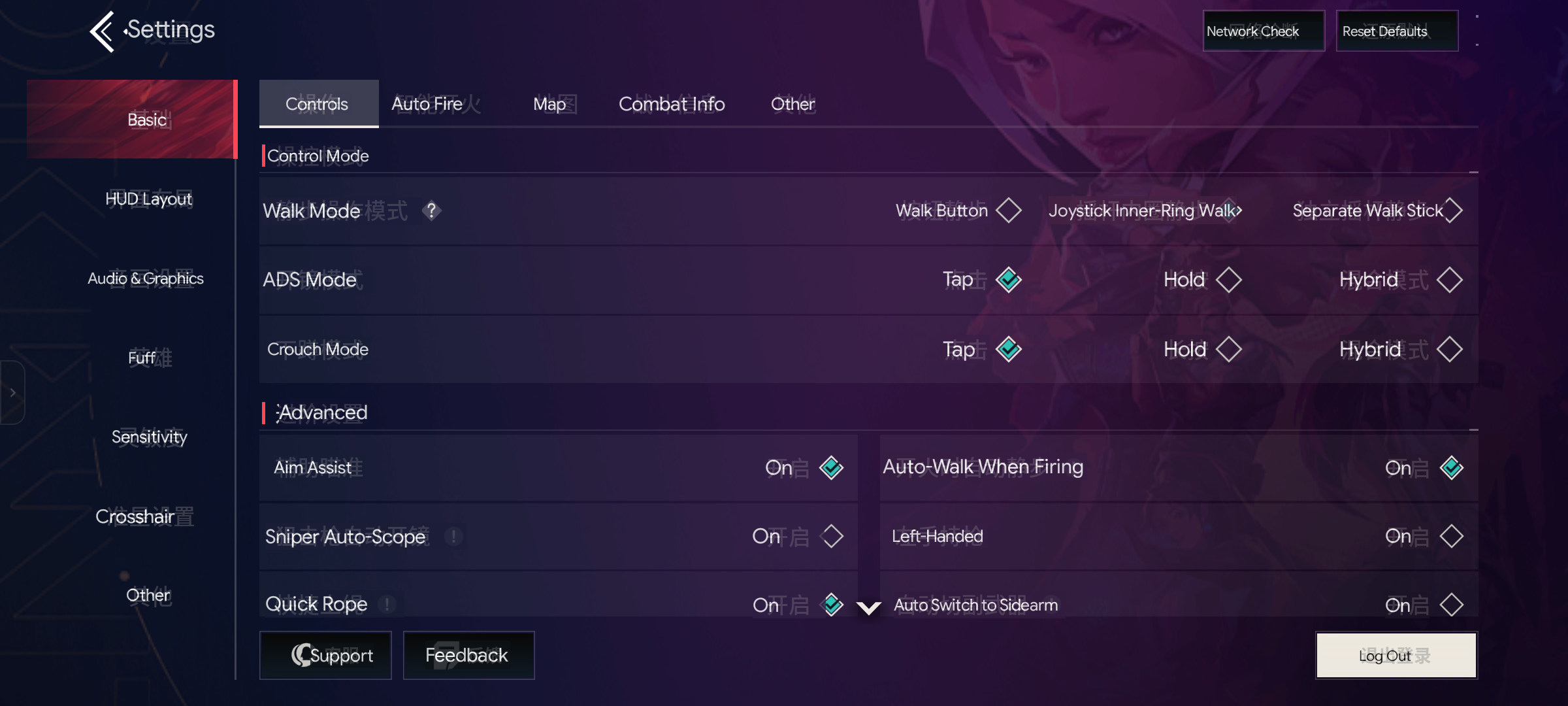
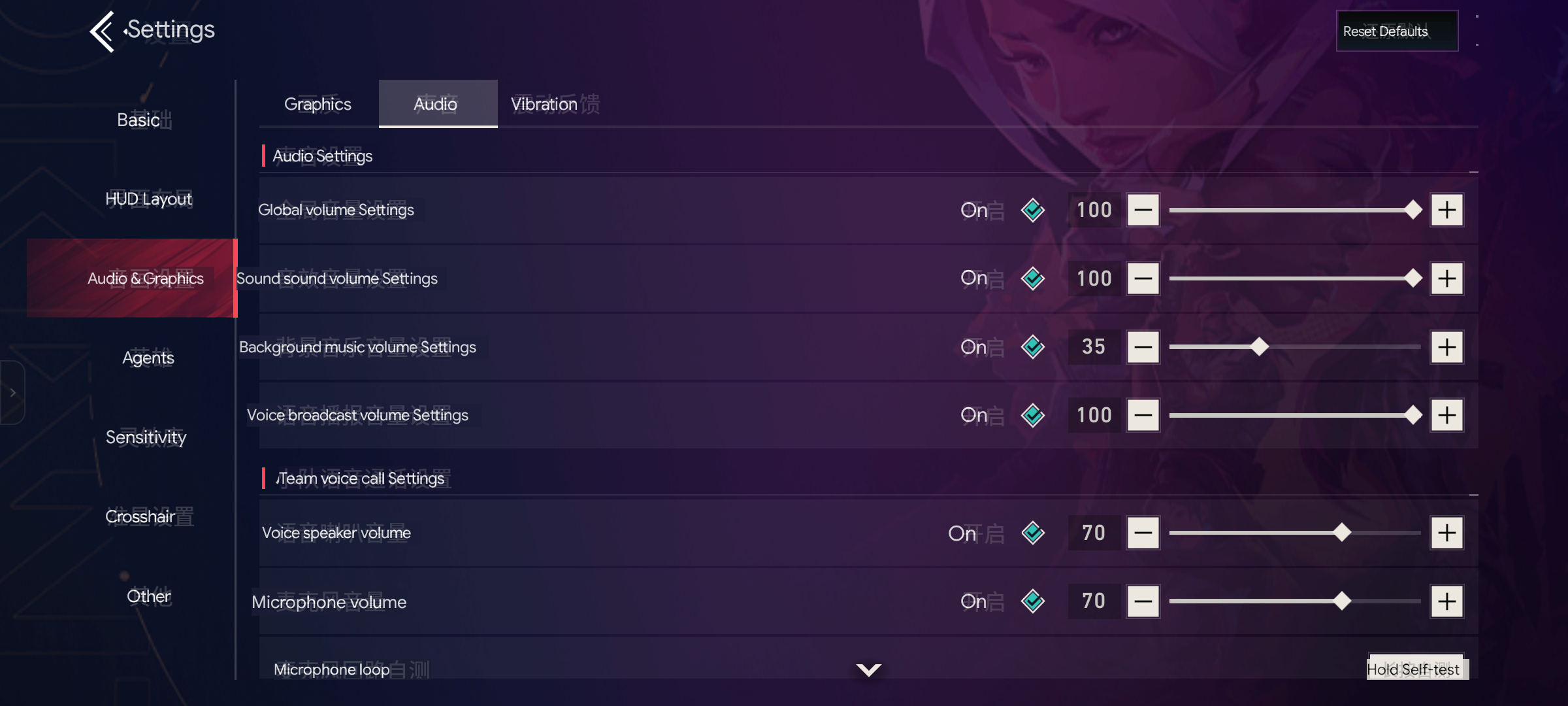
Drag the handle: Chinese on the left, TapTL on the right. Real, unedited captures from a Poco F5.
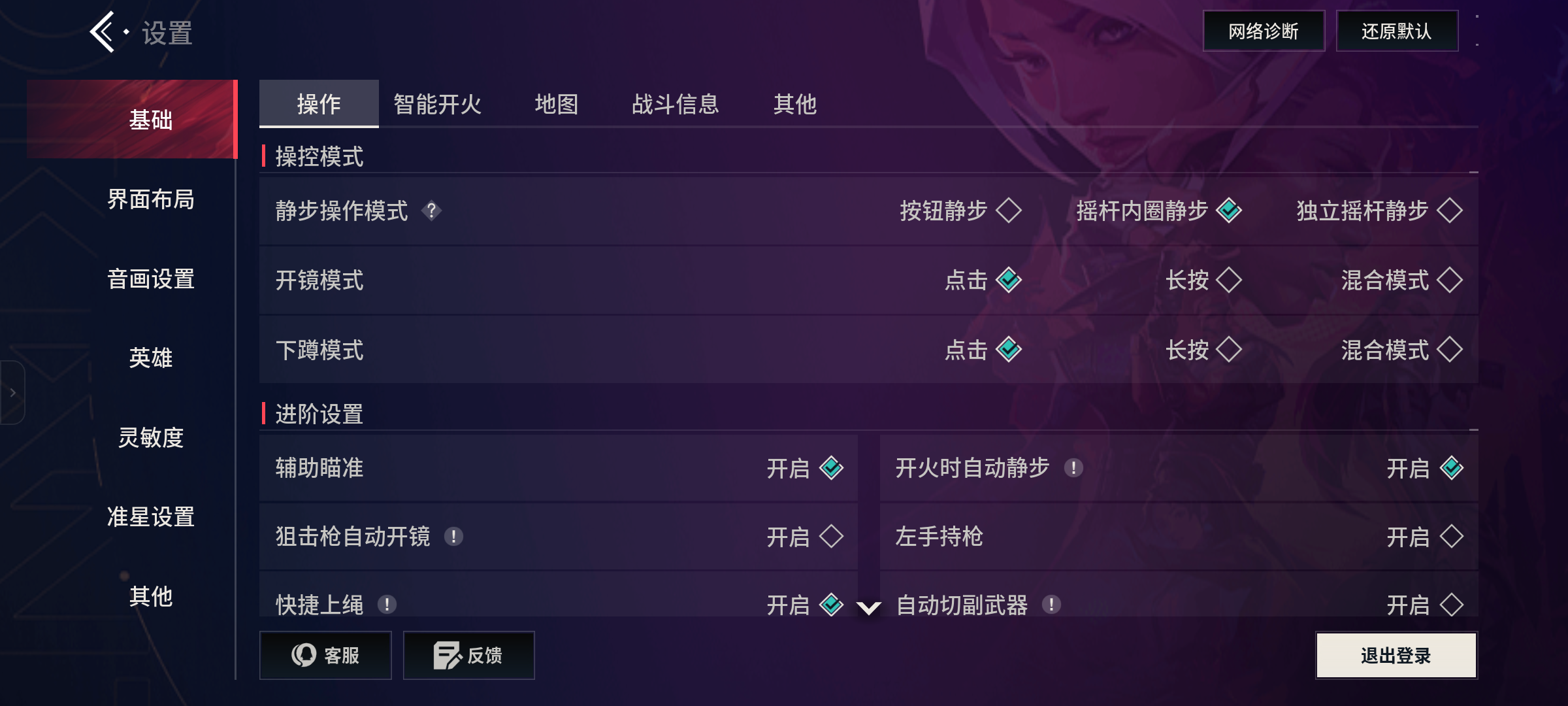
 Before
With TapTL
Before
With TapTL
Game words like agents, weapons, maps and settings use the official English names from a built-in word list.
Why TapTL
Others need root, an accessibility service, a cloud account or a tap per screen. TapTL needs none.
Install the APK and go. Your phone stays as is.
No fake taps and no reading game memory.
One download per language, then fully offline.
English shows up as soon as the screen settles.
Features
Reads and translates on your phone. Nothing goes online after setup.
Pick yours on first launch. Switch any time from the home screen.
Menus, settings, the store and popups. Hides itself during gameplay.
The overlay can't be touched, so every tap goes straight to the game.
Start from the app or a Quick Settings tile. Stop from the tile or notification.
Works only when the screen changes. A still screen costs almost nothing.
Valorant Mobile CN agents, weapons and maps use their official English names.
Boxes hide while a list scrolls, then return half a second after it stops.
No account, no server, no analytics. What it sees is never uploaded.
How it works
Android's own screen sharing, at half size. Nothing leaves the phone.
Each frame is checked against the last. No change, no work.
ML Kit reads only the changed parts, in your chosen language.
Game word list, then cache, then on-device Google Translate.
One see-through layer puts colour-matched English over the text.
Demo
Recorded on a Poco F5 with Android 17. No edits.
Tile on, settings tabs in English, tile off.
Intro, language pick and setup.
Languages
Text reading is built in. Each translator (about 40 MB) downloads once, then works offline.
The game word list covers Valorant Mobile CN for now. Other languages use the translator alone.
Install
Download app-release.apk and open it. Allow "install unknown apps" if asked.
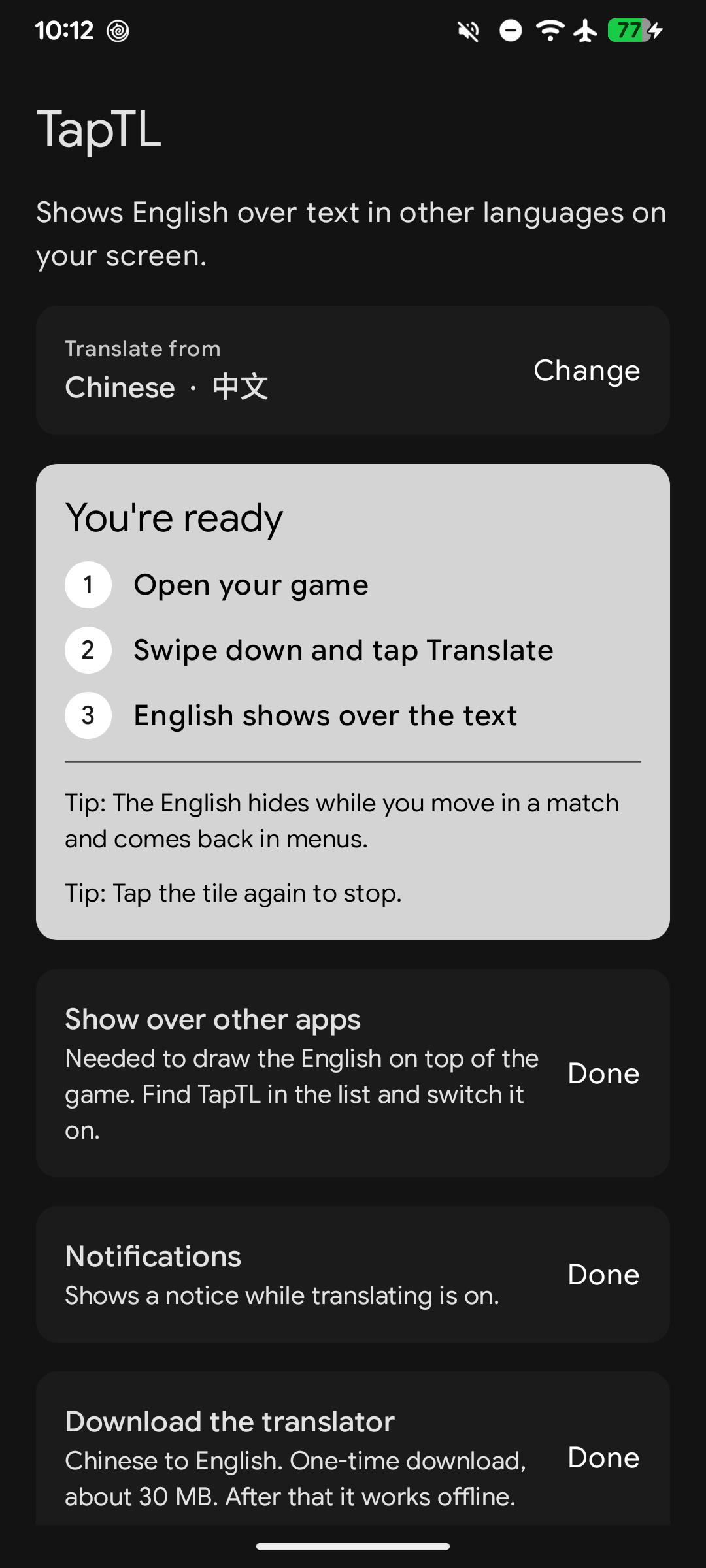
Open TapTL, pick your language, then finish the home screen list:
Optional: add the Translate tile when offered, or drag it in from Quick Settings.
Tap Start, open your game and tap Share screen. English shows in about half a second.
TapTL only records the screen and draws on top. It never touches game memory or taps, but anti-cheat decides for itself.
Questions
Any app or game that allows screen capture. It was built and tuned on Valorant Mobile CN (无畏契约 源能行动), so that game gets the best results.
Only once per language, to download the translator. After that it works fully offline.
TapTL only looks at the screen, like a screen recorder, and draws on top. It doesn't touch the game, its memory or your taps. Still, there's no guarantee: a game's anti-cheat can decide what it likes. Test on a secondary account first.
No. It hides during gameplay so it never covers what you need to see. It's for menus, settings, the store and popups.
That's an Android rule on Android 14 and newer. Apps can't skip it.
Android requires you to confirm any Quick Settings tile. On Android 13 and newer, TapTL asks with one tap. On older versions, swipe down twice, tap the pencil and drag "Translate" in.
Not yet. Everything goes to English.
Yes. It's open source under the MIT license, with no ads and no paid tier. If it helps you, you can chip in, but nothing is locked behind it.
Built in spare time by Nevil. If it saves you squinting at menus, a coffee or a sponsorship keeps it going.